AI + coding
Exploring AI-assisted prototyping
Why did I do this project?
I wanted to take my original idea that I had been exploring using Figma and Claude and actually build a prototype from scratch. I wanted to learn HMTL, CSS, and JavaScript - assisted by AI.
-
People currently piece together home workouts from multiple sources, making it difficult to find something that fits their time, goals and energy.
-
Phlo brings workout discovery, personalisation and guidance into one experience.
-
Research → concept → Figma → coded prototype → AI exploration → iteration
What is it?
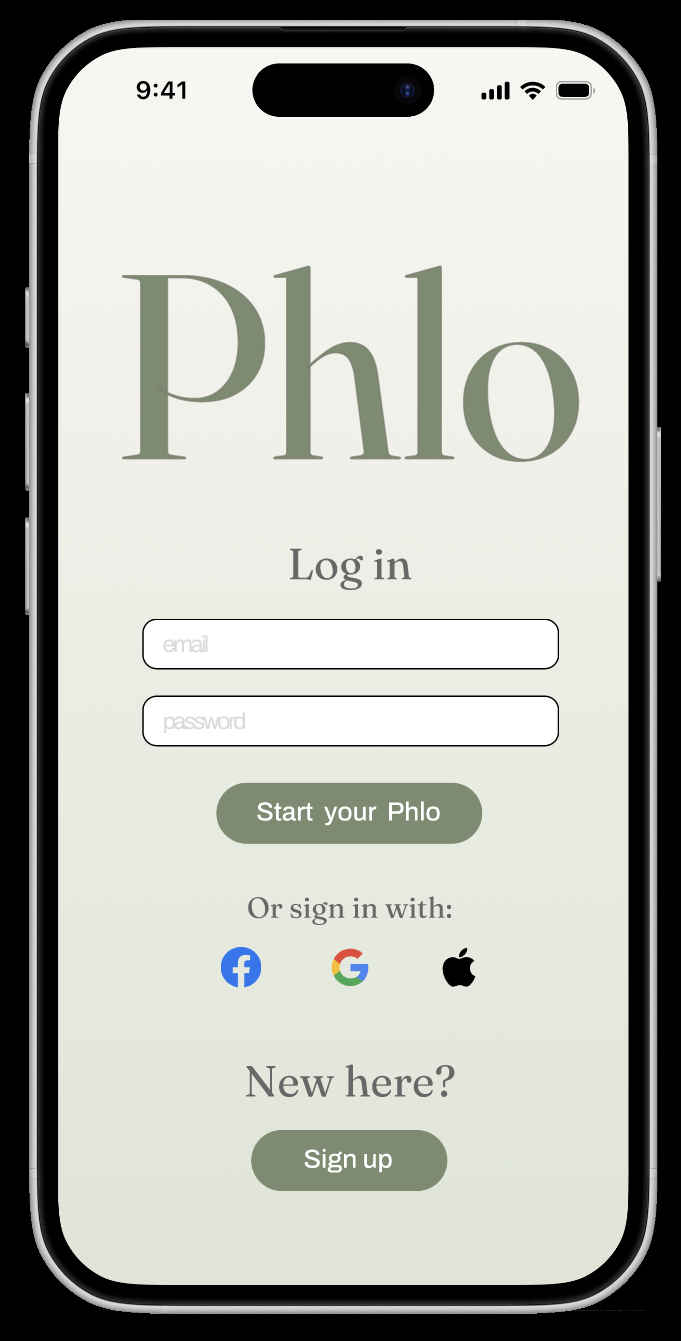
Phlo is an app that allows users to create their own workout from a menu of movements where they can customise the duration and rest stops. The app uses their targets - Yoga, relaxing etc. - to generate a workout they can access from their home screen.
01.
As part of developing Phlo, I began exploring how my Figma designs translate into a working web interface.
I recreated the initial structure of the Phlo home experience using HTML and CSS, separating the content and structure from the visual styling. I built workout cards as reusable elements and used CSS Flexbox to control their layout and spacing.
I also introduced responsive behaviour using CSS media queries, allowing the workout cards to sit side-by-side on larger screens and stack vertically on smaller screens.
This exercise helped me develop a better understanding of the relationship between design decisions in Figma and how those decisions are implemented in code, particularly around layout, spacing and responsive design.
Translating Figma into code:
02.
I extended my Phlo concept into an interactive prototype using HTML, CSS and JavaScript. I added a workout completion screen with a link back to the app's home page, creating a clearer end point to the workout journey.
I used Claude as a coding partner to explore implementation options and troubleshoot my approach, then worked through the changes incrementally and tested the prototype after each step.
During development, I also refactored repeated screen-switching logic into a reusable showScreen() function. This helped me understand how to make code easier to maintain, while adding the completion screen gave me practical experience connecting HTML structure, CSS layout and JavaScript behaviour.
Interactive prototyping with JavaScript:
03.
As I translated Phlo from Figma into a working prototype, I used Claude and ChatGPT to help me learn, build and debug with HTML, CSS and JavaScript.
I used Claude to explore different ways of implementing features, such as changing workout titles based on user selections and improving the exercise progression. I also asked it to review my code for readability and maintainability, rather than simply rewriting it for me.
I used ChatGPT as a step-by-step learning partner, helping me understand what the code was doing, troubleshoot issues and refine the interface. This included debugging screen transitions, styling interactive components, preserving user selections when navigating backwards, and saving custom workouts in the browser so they could appear on the home screen.
I didn't simply accept every suggestion. I made decisions about which approaches best suited the prototype, implemented the changes and tested them in the browser, iterating when something didn't work as expected.
I also used this project to explore AI product design itself. Rather than connecting a real AI model, I built a rules-based recommendation system to simulate personalised workout suggestions. This let me focus on the user experience: how people choose their preferences, review and customise recommendations, request alternatives, and stay in control of the final workout.
Using AI as a coding partner:
04.
Want to view it?
Once the core experience was working, I uploaded my HTML, CSS, JavaScript and image assets to GitHub, using it to store my code and track changes. I then connected the repository to Vercel to deploy Phlo as a live web prototype that could be accessed through a shareable link. I tested the deployed version in the browser to check that the pages, styling and interactions worked as expected, taking the project beyond my local environment and making it easier to demonstrate.
Click ‘create new workout’ and build one!